How to automate bookings with an AI receptionist without harming customer service
To automate bookings without making service worse, connect an AI receptionist to the calendar you already use. heydiga's AI receptionist answers calls and WhatsApp, checks your real availability and writes the appointment into your calendar; anything that calls for judgement goes to a person. If your business does not use a calendar, heydiga gives you one.
David Zafra · · 11 min read ·
- One calendar only: yours. What comes in by phone and what comes in online ends up in the same place.
- The business rules (services, durations, team, opening hours) are set once.
- What the AI receptionist does not know, it does not make up: it says so and passes the call to the team.
- Measure what matters: calls answered, appointments generated and no-shows.
What needs to be connected to automate bookings properly?
Three things: your business rules, your calendar and the channels customers use to message or call you.
If one is missing, the booking fails. A client asks for a slot with a specific professional. To answer, you need to know which service it is, how long it takes, who can do it and what is still free. That information lives in your calendar and in your rules. Not in the head of whoever picks up the phone.
heydiga does not replace your calendar or your CRM: it works on top of them. Once the tool is connected, it reads the catalogue, opening hours, staff and rules, and writes the appointments into it.
Which business rules does it need to know?
The ones that make a service take longer or shorter than usual, on top of the basics.
The basics: which services exist, how long each one takes, what each member of the team can do, opening hours and location. Then come the details that throw a calendar out:
- Buffers for setting up, cleaning or switching between services.
- Shared resources, such as treatment rooms or chairs.
- What to do about a late arrival or a no-show.
- Answers to the questions people ask every day: indicative prices, preparation, cancellations.
If your software already holds the catalogue, there is no need to load it by hand. For example, with Koibox, the AI receptionist reads services, treatment rooms, staff, packages and opening hours.
One calendar or two? And what if I already have booking software?
Just one, and it is the one you already use. The AI receptionist does not open a parallel calendar.
During the call, heydiga checks the real availability in the connected calendar, so it does not offer slots that another channel has already taken. It writes the appointment in before hanging up. As soon as availability lives in two places, double bookings appear and customers lose trust.
| Your situation | What happens with the calendar |
|---|---|
| You use a calendar or booking software from the list of integrations | heydiga reads your availability and writes the appointments into that same calendar |
| You use Google Calendar | It checks the free slots and has the appointment written in before hanging up |
| Your software has no integration yet | It is assessed as a development project; in the meantime, it answers, gives information and books within a time window agreed with your business |
| You do not use any calendar | heydiga gives you one |
You will find the full list on the integrations page. There are calendars and booking tools, CRMs, sector-specific management software, online shops and portals. A few examples used in Spain: Koibox and Treatwell for beauty, and TheFork for restaurants.

How do you avoid double bookings?
By checking the calendar at the moment of the call and writing the appointment in before hanging up.
In a calendar fed by several channels, this is what makes the difference. With Treatwell, for example, the AI receptionist syncs appointments and avoids double bookings between the salon's own channel and the marketplace. With TheFork, it checks availability at the moment of the call so that it does not offer a slot the portal has just sold. If the caller wants to change or cancel, the change is written into your calendar too.
Do calls and messages follow the same rules?
Yes: the same AI receptionist handles calls and WhatsApp with the same information.
Customers do not all behave the same way. Some use a booking link, others send a message, and many still call when they are in a hurry or have a question. The sensible thing is not to force them onto a single channel, but to make sure they all end up in the same calendar, under the same rules. To see how this works in practice, look at the WhatsApp and calls in one place use case.
How do you automate without spoiling the experience?
By handling the routine with little friction and passing anything that calls for judgement to a person.
Automation usually fails in two ways: it forces people through rigid flows, or it pretends to know what it does not. A setup that protects customer service does three things:
- It handles the usual requests: booking, changing or cancelling an appointment, and questions about opening hours, location or prices.
- It says what it does not know instead of making it up.
- It knows when to hand the conversation to a person.
heydiga does not improvise: it never makes up a price, an opening time or an appointment. If a request falls outside what you have defined, it says so and transfers the call to your team or takes a message. You decide which number or extension the call goes to, and in which cases (transfer to a person). The goal is not for nobody to step in, but for people to step in where judgement is needed.
What happens when the request is not clear?
Accuracy matters more than speed.
An example from beauty. A client says: “I want highlights, but I am not sure whether balayage or babylights, and my hair is curly. How long does it take?” Picking a slot blindly would be a mistake: two services with different durations, and hair that can change everything. The right answer here is for someone on the team to assess it. With heydiga, if the AI receptionist does not have what it needs in your rules, it says so and passes the call on.
That is why it pays to decide in advance which requests are handled automatically and which go to a person.
| The AI receptionist handles it | It goes to your team |
|---|---|
| Booking a free slot for a defined service | A service that is not in your rules, or whose length depends on the case |
| Changing or cancelling an appointment | A complaint |
| Opening hours, location and prices you have loaded | A price or an exception you have not defined |
| Checking a specific day or a specific professional | Someone who asks to speak to a person |
What about confirmations and reminders?
The customer gets a confirmation when they book and a reminder before the appointment, by WhatsApp. Their replies show up in the calendar.
According to heydiga's pricing page, WhatsApp notifications come with every plan. What changes from one plan to the next is the connection to your software and what is added around it. Diga Lite (€49 a month excl. VAT, 200 minutes a month) is the plan you sign up for and set up yourself. Diga Start (€99 a month excl. VAT, 500 minutes a month) is connected to your software and to what goes out over WhatsApp. Diga Growth (€169 a month excl. VAT) adds a waiting list, cancellations, reviews and priority support.
Want to see how a slot is recovered when someone does not turn up? Read reminders and no-shows and the guide on how to stop clients missing appointments without calling each one.

Which businesses feel interruptions the most?
The ones that serve customers with their hands full: hair salons, restaurants and garages.
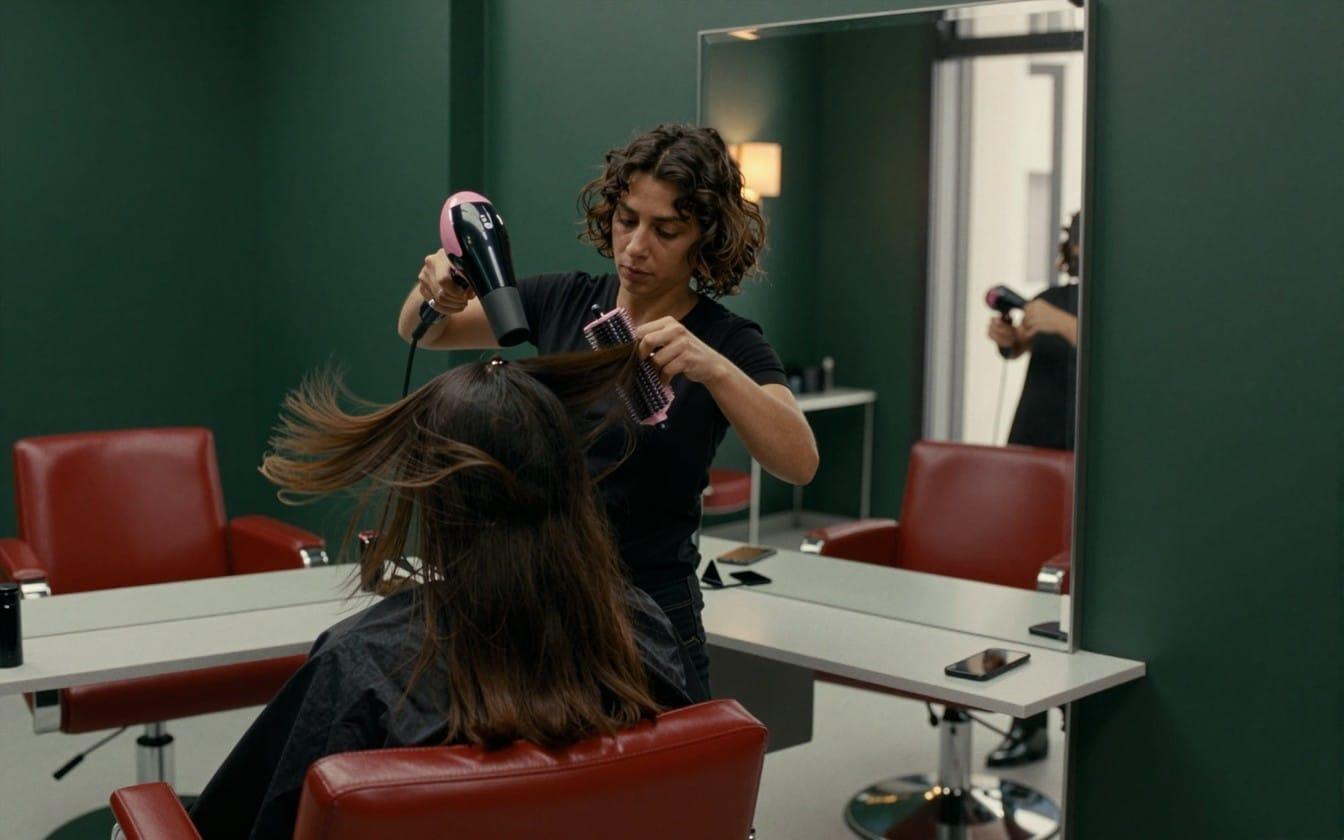
In a hair salon, every call interrupts a service, and changes and cancellations are frequent. In a restaurant, the problem is timing. Between 16 September and 15 October 2026, 46 restaurants using digafood received 6,171 calls. Of those, 2,667 (43%) came in between 13:00 and 16:00 or between 20:00 and 23:00, Madrid time: in the middle of service. In a garage, what matters is the real availability for the day.
For all three, the answer is the same: the call gets answered first time and the appointment lands in the free slot. If it happens to you at night, look at after-hours calls. And if you want to see the problem in any kind of business, read how to stop missing customer calls.
How do you know if it is really working?
With a few signals. Some you see on the heydiga dashboard and others in your own calendar.
| Signal | Where you see it |
|---|---|
| Calls answered | heydiga dashboard |
| Appointments generated | heydiga dashboard |
| What customers asked for and the reason for each contact | heydiga dashboard, with the transcript of every call |
| What came in while the business was closed | heydiga dashboard, the next day |
| No-shows and last-minute cancellations | Your calendar |
If you automate and do not measure, you are flying blind. It is worth noting the no-shows in your calendar before and after you switch on reminders.
Where heydiga fits
heydiga's AI receptionist answers your business's calls and WhatsApp in a natural voice, books into your calendar and works 24/7. For beauty, it comes as digalook. It connects to your booking software without installing anything.
- If you already use a calendar, heydiga works on top of it. See the list of integrations.
- If you do not use one, it gives you one.
- For hair and beauty salons, see the hair and beauty salons page.
- To see how bookings work, see bookings and appointments.
Nothing to install and no lock-in. Prices, excluding VAT, start at €49 a month with Diga Lite.
Book a demo of the AI receptionist
A first step: a checklist before you automate
- Write down your services, their durations, the team and the basic rules.
- Decide which calendar is yours, and make sure there is only one.
- Connect the channels your customers already use to that calendar, above all the phone and WhatsApp.
- Switch on confirmations and reminders, with an easy way to change the appointment.
- Measure calls answered, appointments generated and the no-shows in your calendar.
Frequently asked questions
Can an AI handle booking calls for a hair salon or a restaurant?
Yes: heydiga's AI receptionist (or AI voice agent) answers, checks the availability in your calendar and writes the appointment in before hanging up. It works for the usual requests to book, change or cancel. If a request falls outside what you have defined, it says so and transfers the call to your team, or takes a message.
Will customers notice they are talking to an AI?
Yes: heydiga introduces itself as a virtual assistant from the very start, as the EU AI Act (opens in a new tab) requires. If the customer would rather speak to a person, the call is transferred as soon as they ask. What they do notice is that nobody is kept waiting.
Do I have to change calendars to use heydiga?
No: heydiga works on top of the calendar or CRM you already use, and does not replace them. If you do not use one, it gives you one. If your software has no integration yet, it is assessed as a development project.
Does it work outside opening hours?
Yes: it answers and records appointments and bookings at night, at weekends and on public holidays. The next day, the dashboard shows what came in while nobody was there.
What happens if a customer asks something unusual?
heydiga does not improvise: it never makes up a price, an opening time or an appointment. It says so and transfers the call to your team or takes a message.
How long does it take to get started?
Not long: heydiga starts answering within minutes and there is nothing to install. All you have to do is describe how you work, connect your calendar and divert your phone. Connecting a tool such as Koibox or Treatwell takes about fifteen minutes: you authorise access from your account, with a permission you can revoke.
Sources
- Regulation (EU) 2024/1689 on artificial intelligence, Article 50, Official Journal of the EU, 2024, on the BOE (opens in a new tab), Spain's official state gazette.
- Features, integrations and pricing: integrations, Koibox, Treatwell, TheFork, Google Calendar, digalook, frequently asked questions and pricing, accessed on 3 November 2026.
- Calls to restaurants: heydiga internal data, 46 restaurants using digafood, from 16 September to 15 October 2026.
How it was written: written with the help of AI tools; reviewed and verified by the heydiga team.